How to Protect Your Account from Phishing Attacks
Posted on 2025-06-10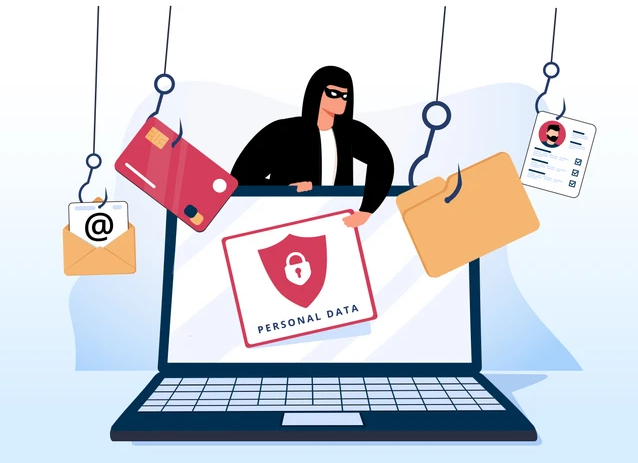
Phishing is a common cybercrime where attackers trick you into revealing sensitive information, such as passwords or credit card details, by pretending to be a trusted source. Here are some essential tips to keep your accounts safe from phishing attacks.
1. Recognize Phishing Attempts
Suspicious Emails & Messages: Be cautious of unexpected emails or messages asking for personal details, passwords, or urgent actions (e.g., "Your account will be locked!").
Fake Links: Hover over links before clicking to check if the URL matches the official website.
Poor Grammar & Urgency: Many phishing attempts contain spelling mistakes or pressure you to act quickly.
2. Use Strong & Unique Passwords
Avoid simple passwords like 123456 or password.
Use a mix of letters, numbers, and symbols.
Enable two-factor authentication (2FA) for extra security.
3. Never Share Personal Information
Legitimate companies will never ask for passwords or sensitive data via email or text.
If in doubt, contact the company directly through their official website or customer support.
4. Keep Software & Devices Updated
Regularly update your OS, browser, and antivirus software to protect against security vulnerabilities.
5. Verify Website Security
Check for "https://" and a padlock icon in the address bar before entering login details.
Avoid entering sensitive information on unsecured websites.
6. Use a Password Manager
A password manager helps generate and store strong passwords securely, reducing the risk of phishing.
7. Report & Delete Suspicious Messages
If you receive a phishing email, do not click any links—report it as spam and delete it.
Found this article helpful?
[ 1 Out of 1 Found Helpful ]